Prepend PDFs
please read
Prepend PDFs is currently only available in NSW.
You can prepend PDFs to your forms—ideal for adding cover pages or supporting documents—giving you greater flexibility in how your documents are presented.
Adding a PDF#
Click
Morein the top toolbar and selectFilesfrom the dropdown menu.Click
Choose files.Select the file you want to attach and click
Open.Click
Uploadto add the file to your form.
Ordering Files#
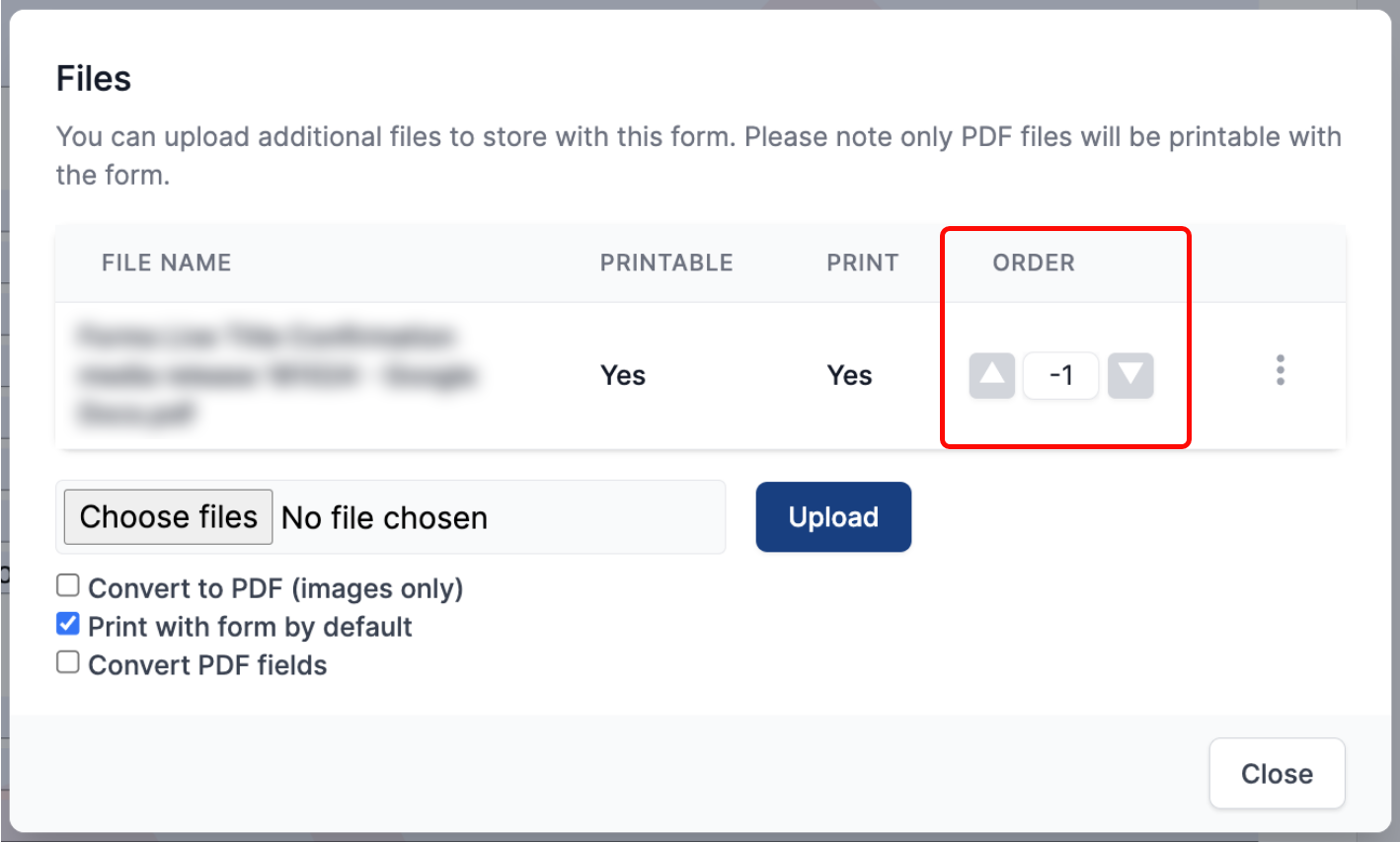
Once uploaded, click the up arrow next to the file.
Set the file
Orderto a negative number to ensure it appears at the beginning of the form.