Finalising a Form
info
Finalising a form locks the form so no further changes can be made. When you finalise a form it will also remove the “DRAFT” watermark stamp. If you wish to edit a form once it has already been finalised, it may be duplicated into a new draft (refer to "Duplicating a Form" below).
Click the
Formsfrom the left menu.Click the three dot icon in the row of the form you wish to finalise. Select the
Viewbutton from the drop down menu.Click
Finalisein the top toolbar.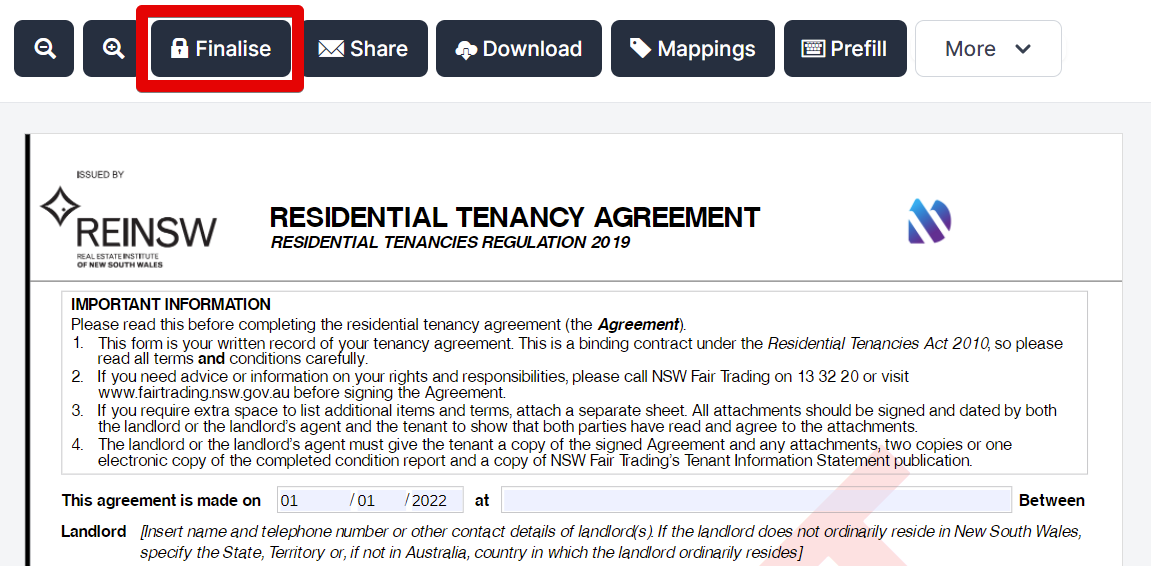
A
popupwill appear asking for confirmation.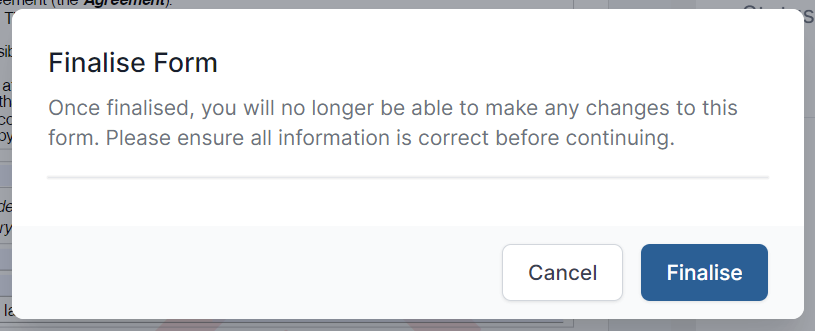
If you wish to proceed, click
Finalise. If the action was in error, clickCancel.
Revise Finalised Form#
please read
Revise Finalised Forms is currently only available in ACT, NSW, and NT.
You can now revert a finalised form to Draft status to make any changes or edits.
please note
Any in-progress sign requests will be voided when the form is reverted to draft.
Forms with completed sign requests cannot be reverted to draft.
Select the
finalisedform from your Forms List.Click
Revisein the top toolbar.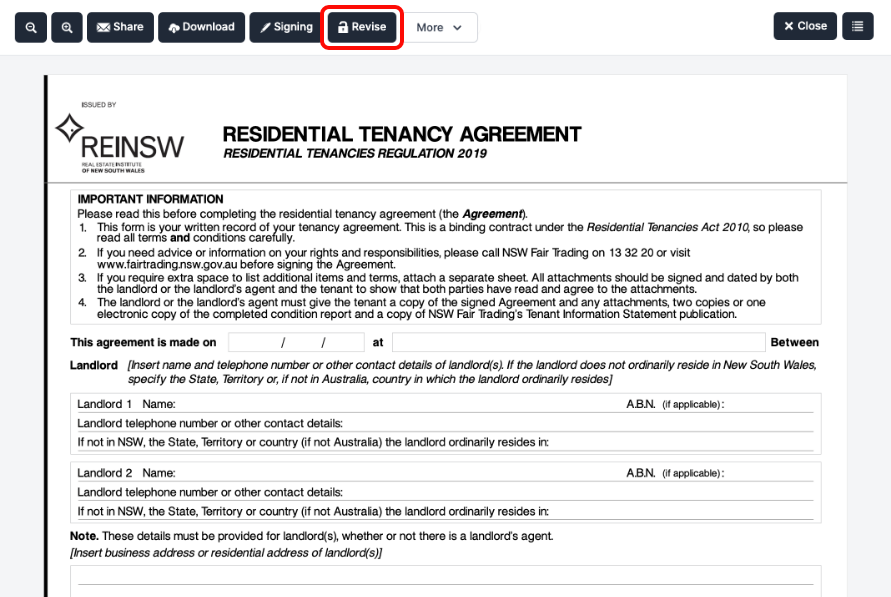
In the confirmation dialog, click
Revise Form.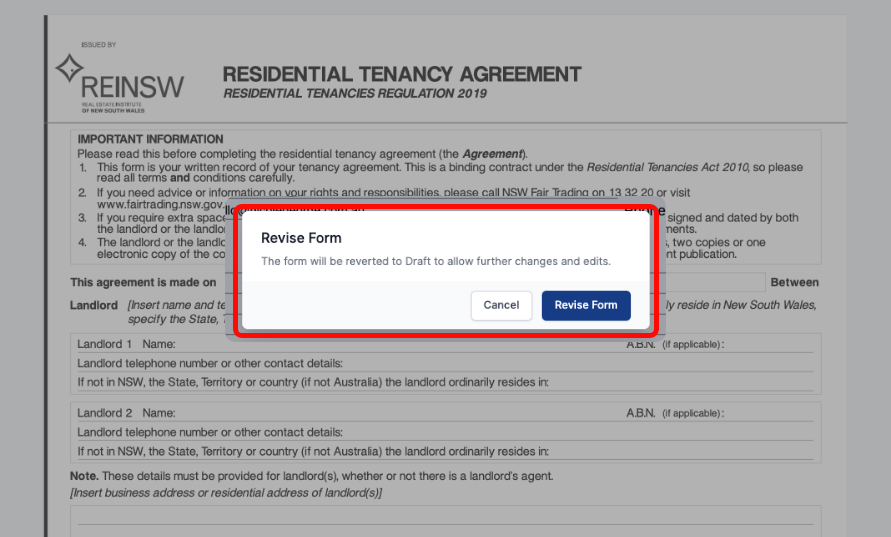
The form will now be reverted to
Draftstatus, allowing you to make any edits as needed.